THE WORK IS NOT
THE PROBLEM.
STARTING IT IS.
Your student knows the deadline. They know it matters. They still cannot open the document. HyypaFocus works on that gap, not on the coursework, for students with ADHD, dyslexia, autism, dyspraxia or anxiety.
FOR ASSESSORS
Recommend something your student will still be using in week ten. It targets the executive function gaps you already write up. Time blindness, planning, and getting started.
FOR STUDENTS
Open it and see three things to do, not thirty. Set the font, the colours and the days that suit you, then get one piece of work finished today.
SIX PATTERNS YOU
ALREADY RECOGNISE.
None of these are effort problems. They are executive function problems, and they show up the same way across ADHD, autism, dyslexia and dyspraxia. Here is what changes when your student opens HyypaFocus.
THE DAY GETS AWAY FROM THEM
A two hour block turns into six hours, or into nothing at all. Time does not register until the deadline does. HyypaFocus puts a visible timer and a short, set session in front of your student, so the day has edges they can actually feel.
EVERYTHING FEELS EQUALLY URGENT
Twelve tasks, no order, so none of them get picked. Top 3 strips the list back to what matters today. Anything that can wait moves to another day in one click from the priority matrix, instead of sitting on the screen as guilt.
STARTING IS THE HARDEST PART
Focus mode clears the screen down to one task. The ideas that would normally pull your student away go into a brain dump and wait there. The session ends with something finished, which is what makes the next one cheaper to start.
PUSHING ON UNTIL THEY BURN OUT
A five minute break is offered at the point it helps. On a good run your student skips it and keeps going. On a hard day they take it back. It stays their call, which is the reason they use it rather than ignore it.
MOST TOOLS GET DROPPED IN WEEK ONE
You pre-load the tasks your student repeats every week as regulars, so they pick from a list instead of typing the same thing again. Tips sit beside each section and go away once dismissed. There is no forced walkthrough to sit through first.
GOOD DAYS GO UNNOTICED
The streak tracker lights up every day your student finishes their top 3. Three days out of five reads as three days won, not two days missed. That framing is deliberate, because the punitive version is the one that gets abandoned in week two.
NOTHING IS BURIED IN A SETTINGS MENU.
One Personalise button puts every option on one screen. Dark mode, the OpenDyslexic typeface, the days of the week that match a timetable, and the view your student lands on when they open it. They can change all of it in the first minute, which is usually the minute that decides whether a tool gets used at all. The controls at the top of this page work the same way, so try them now.
BUILT AROUND HOW
THESE BRAINS WORK.
Working memory holds 7 plus or minus 2 items. Constraining the screen to 3 takes the overwhelm out of choosing.
Offered at the point they help. Your student can skip a break on a good run, or take it back on a hard day.
When then planning increases task completion 2 to 3 times over goal only approaches. That is the pattern the app is built on.
WHAT STUDENTS SAY.
“As someone with dyslexia, when I have to read a lot of documents it can discourage me from doing my task. But Hyypa has helped me when I get stuck. The movement break activity reminder has helped me stay on track and come back to it, making the process not feel so overwhelming.”
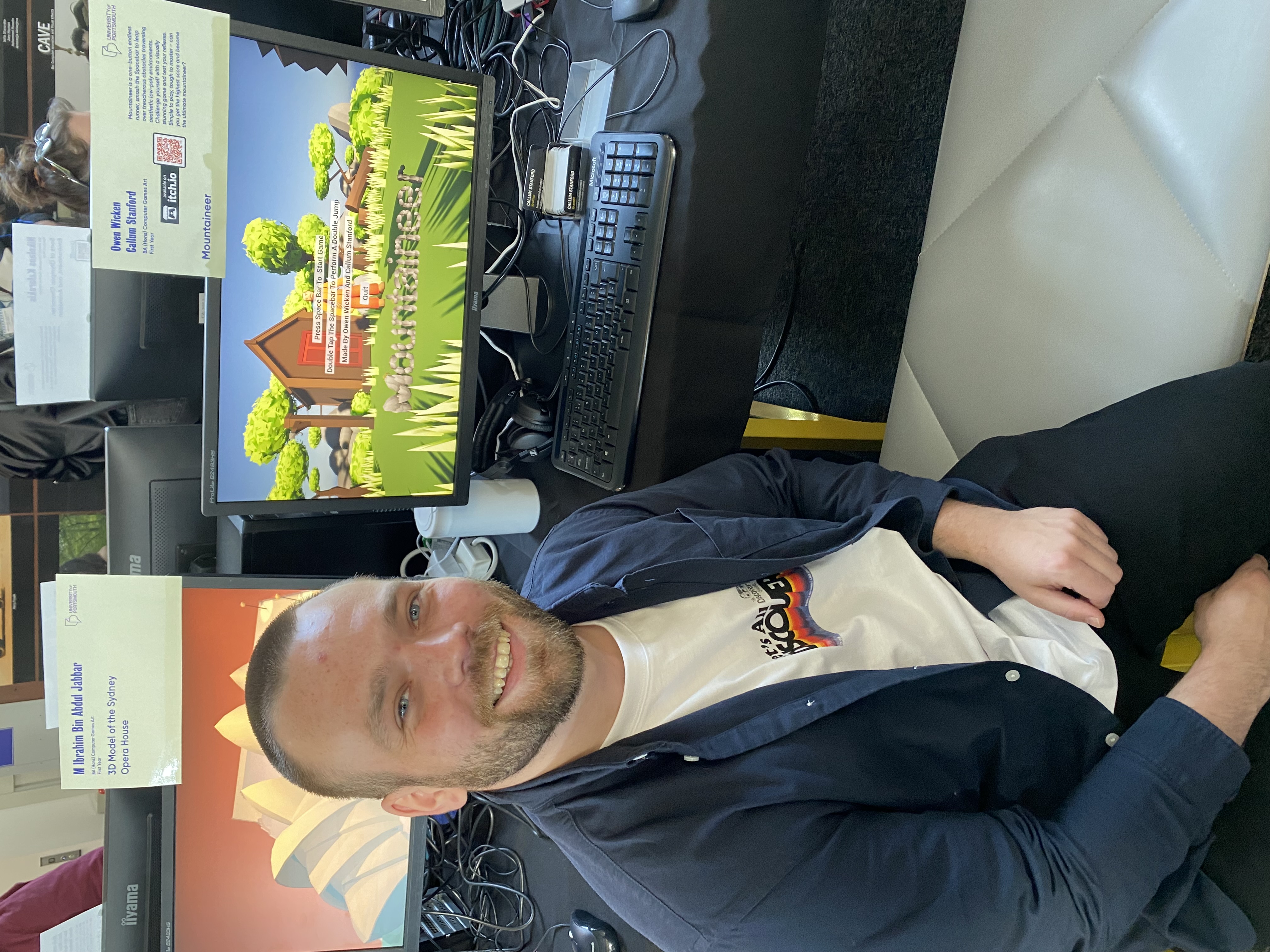
Owen Wicken
HYYPAfocus user

“HyypaFocus auto-sorts my tasks into easy wins first, which suits how I like to build momentum before tackling harder work. The brain dump feature lets me park ideas without losing focus, and focus mode strips away distractions so I can just get on with the task in front of me. It even nudges me to take a proper break instead of pushing straight through.”

Kaan Meral
HYYPAfocus user
REQUEST STUDENT ACCESS
Tell me who you assess for and what your student needs support with. You will hear back within 1 working day.
GIVE YOUR STUDENT
A PLACE TO START.
Recommended by assessors across the UK for ADHD, dyslexia, autism and more. Set up in under 24 hours.
REQUEST STUDENT ACCESSQuestions? Email hello@hyypa.com